Web Scraping
Web scraping is the technique of programmatically extracting data from websites. Famous scraped datasets include LAION (images), the Twitter Sentiment Analysis dataset, the Reddit Comment dataset, the IMDB Movie dataset, and the Wikipedia dataset. A lot of these have driven enormous research programs.
Advantages
- Automation. Gather large amounts of data quickly without ongoing human effort.
- Customization. Target very specific information from specific sources.
- Real-time capability. Scrape continuously to keep data updated.
For any nontrivial scraping project you'll reach for three Python tools. Selenium handles browser automation — essential for JavaScript-rendered pages. BeautifulSoup parses the HTML once you have it. Requests makes the raw HTTP calls. Most real scraping projects use all three.
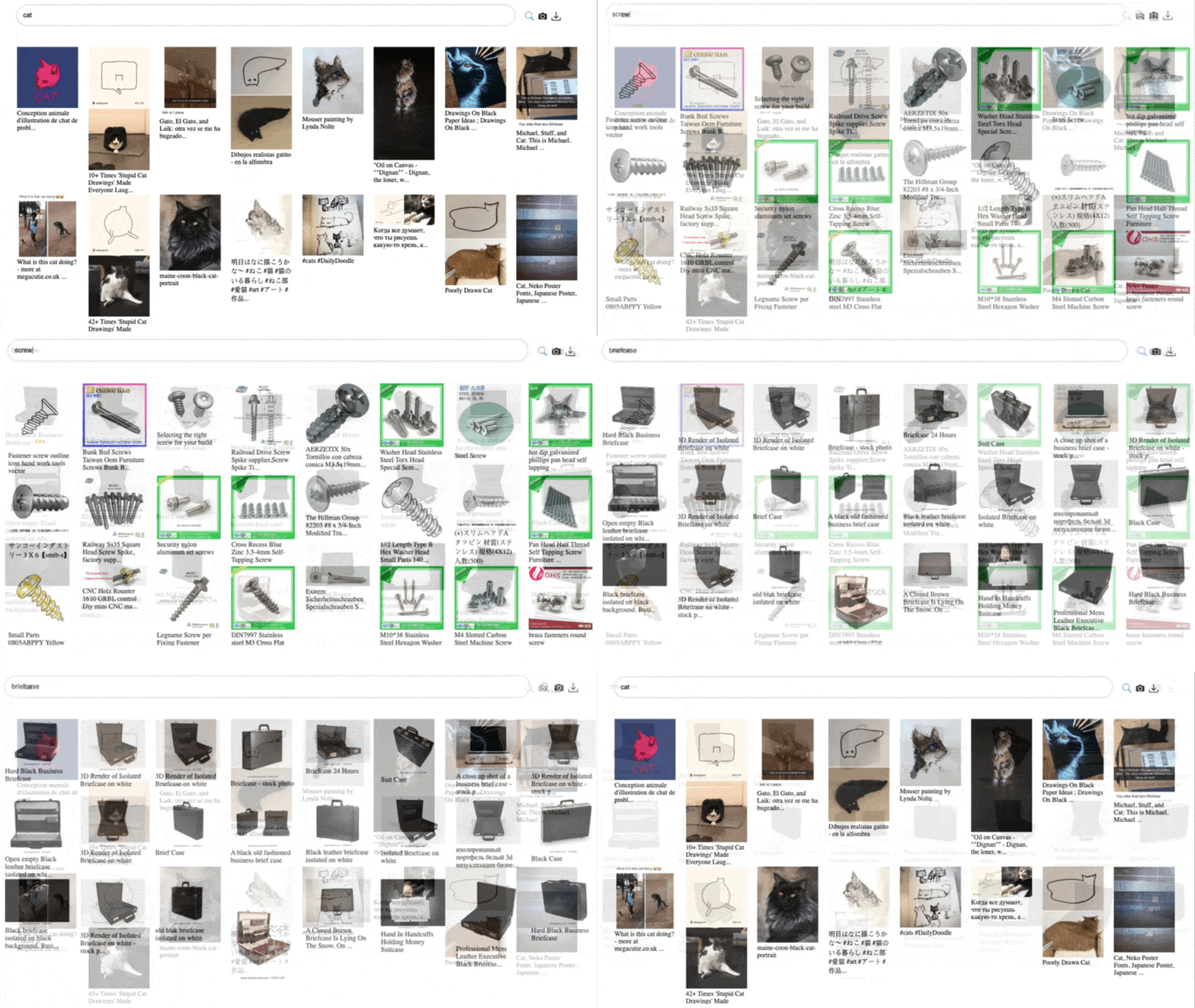
What you get for that automation is not necessarily good data. Look at the LAION dataset and search for "cat" — a lot of results don't look much like cats. Bulk scraping gives you a lot of data, not necessarily a lot of good data. Legality is a separate concern that cannot be ignored: scraping may violate a website's terms of service, and websites increasingly block scraping, especially in the generative-AI era.
Check robots.txt and ToS First
Before writing any code, check the site's robots.txt file and terms of service. This has been litigated — it is not a theoretical concern. Technical feasibility is irrelevant if you're not allowed to scrape. Legal permission comes first.
The Foundation of Modern AI — and Its Complications
Almost every large language model you've used was trained, at least in part, on web-scraped text. Almost every image generation model was trained on web-scraped images. The quality of those datasets — and the question of who owns what was scraped — is now one of the central legal and ethical questions in the field. If you're going to do meaningful work in this space, you need to understand both the technical and the legal side.
Your script sends an HTTP GET to the target URL. The server returns raw HTML (or JSON for an API). If the page is JavaScript-rendered, you need Selenium to drive a real browser first.
import requests

url = "https://example.com/data"
response = requests.get(url, headers={
    "User-Agent": "Mozilla/5.0"
})
html = response.textDiagram showing the scraping pipeline — HTTP request → HTML parsing → data extraction → storage.
You want to scrape product reviews from an e-commerce site. Before writing any code, what is the single most important thing to check?